All the benefits of our VPN are now available on Linux
Enhance security of your Linux system with superior VPN capabilities
Download FreeDownload FlyVPN for Linux
Choose the package for your architecture and Linux distribution.
The most advanced security standards
FlyVPN for Linux brings the same military-grade encryption and global server network as our desktop apps directly to your Linux environment. Whether you prefer the command line or a graphical interface, FlyVPN has you covered. Supports Ubuntu, Debian, and CentOS with packages for every major architecture.
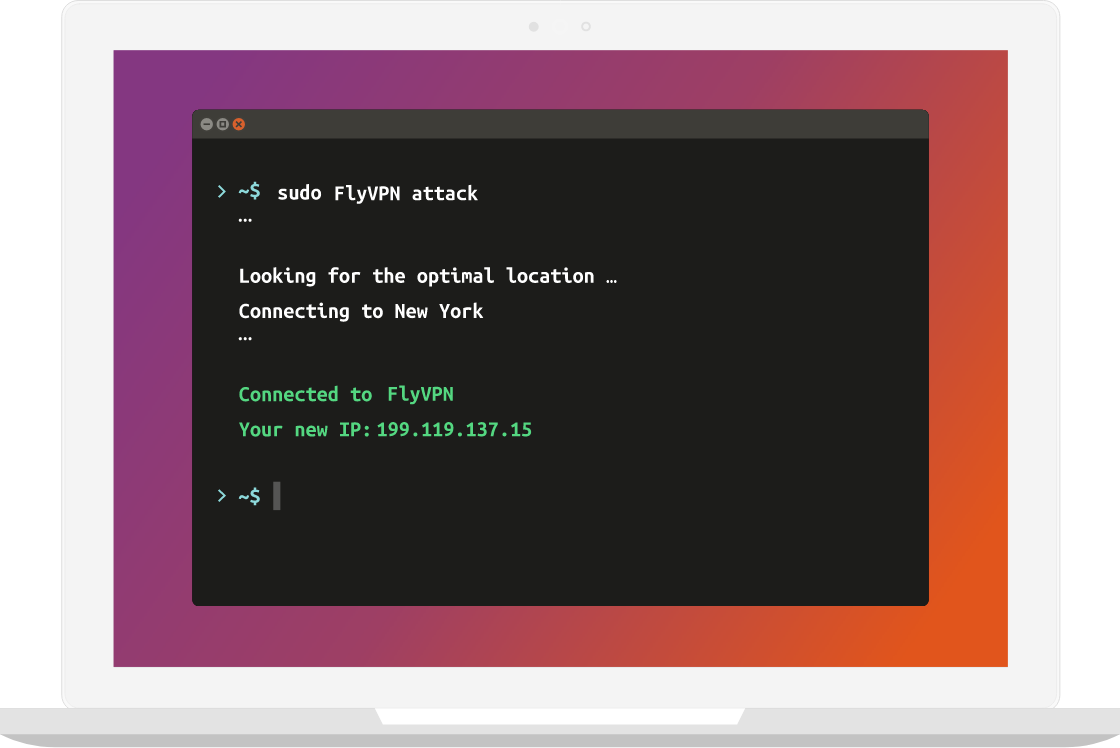
What do you get with FlyVPN for Linux?
Get unlimited access with our VPN software
More VPN locations
Connect your devices to a huge network of 500 server locations in 40 countries.
View All Server LocationsDedicated IP
Enjoy a private VPN connection on your own terms, with true digital privacy.
Enjoy unrestricted access
Deliver unlimited access to video, music, social media, and more, from anywhere in the world.
Bypass digital censorship
Bypass geo-restrictions and digital censorship with our VPN service.
Unbreakable 256-Bit AES
Military-grade AES-256 encryption ensures your data remains private and secure at all times.
OpenVPN protocol
Full OpenVPN support for maximum compatibility and security on Linux.
Install FlyVPN on Linux in 3 steps
Download the package
Download the FlyVPN package for your Linux distribution and architecture from the buttons above.
sudo dpkg -i FlyVPN-linux.deb
# For CentOS/RHEL
sudo rpm -i FlyVPN-linux.rpm
Install and launch
Install the downloaded package using your package manager, then launch FlyVPN from the terminal or your desktop launcher.
FlyVPN
# Or start the graphical interface
FlyVPN-gui
Connect to a server
Sign in with your FlyVPN account, select any server from our global network, and connect instantly.
FlyVPN connect – server us-01
# Or select interactively
FlyVPN connect
Purchase
Frequently asked questions
Quick answers to the most common questions about FlyVPN.
FlyVPN for Linux supports Ubuntu 16.04+, Debian 9+, and CentOS 7+. Packages are available for 32-bit, 64-bit, Arm64, Arm32 LE, and Arm32 BE architectures.
Download the appropriate package for your architecture, install it with dpkg (Debian/Ubuntu) or rpm (CentOS), then launch FlyVPN from the terminal or the graphical interface.
Yes. FlyVPN for Linux includes both a CLI for advanced users and a full graphical desktop interface.
FlyVPN for Linux supports TCP, UDP, Socks5, and OpenVPN – giving you full flexibility for any workflow.
Get FlyVPN for Linux now
3-day free trial for new users. No credit card required. Ready in under 2 minutes.